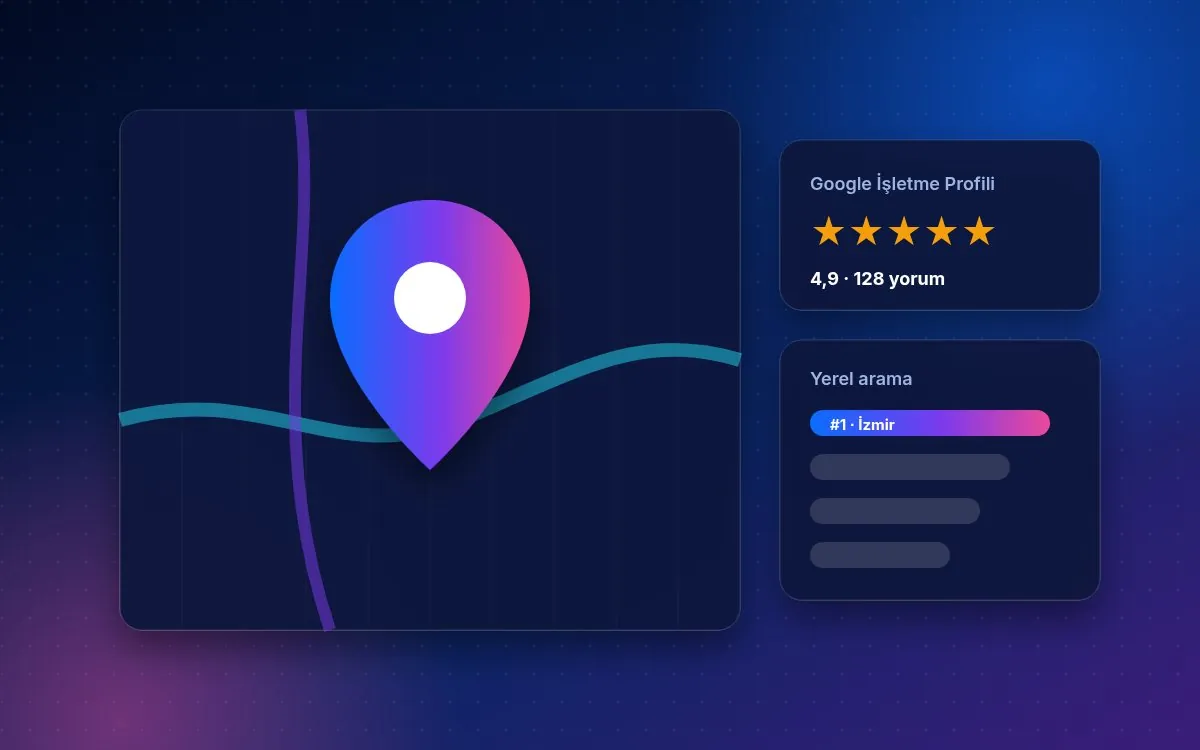
Appearing in map results for “near me” searches is one of the most valuable kinds of visibility for a local business, and Google Business Profile sits at the heart of those results. The profile is free, but a half-finished one makes it hard to get ahead of competitors.
The steps below are a practical checklist for keeping your profile complete and current. Google says it considers relevance, distance and prominence when ranking local results; these steps focus on the parts you can control.
Core details (NAP)
Business name, address and phone number should be identical on your website, your profile and other directories. Adding keywords to the business name breaks Google’s guidelines and can get the profile suspended; use your real trading name. If you serve customers at their location without a shopfront, you can set up as a service-area business.
Categories and services
The primary category is one of the fields that most affects which searches you appear for. Choose the one that describes your business most accurately and add a few secondary categories only for services you really offer. List each service with a short description.
Opening hours
Current opening hours and holiday hours stop customers arriving at a closed door. Update changes in advance; you can set special hours for particular days.
Photos and videos
Add real photos of the exterior, interior, team, products and completed work. Images that genuinely show your business, rather than stock pictures, help customers recognise and find you. Make adding photos a routine as new work is completed.
Posts
Sharing an offer, event, new service or useful tip shows the profile is alive. Set a regular rhythm, for example one post a week, and link each post to the relevant page on your site.
Reviews
Ask happy customers for a review by sending them a short review link. Offering discounts or gifts in exchange for reviews breaks Google’s rules. Reply to every review, positive or negative, promptly, politely and personally; acknowledging a problem and stating how you will fix it reassures other readers.
Connecting with your website
The website link in the profile should go to the relevant service or location page. A separate landing page for each service, titles that naturally include the city or district and LocalBusiness structured data strengthen consistency between profile and site.
Q&A and attributes
You can answer customer questions in the profile’s questions section and add common questions yourself. Mark attributes such as accessibility, payment options or appointments. These details let customers find what they need without calling.
Tracking
The profile performance report shows searches, map views, direction requests and calls. Note these monthly and review them alongside your website conversions, so you can see which work actually brings customers.
Frequently asked questions
How often should I update my profile?
Immediately when details change; photos and posts on a regular rhythm, for example weekly.
Can I delete a fake or unfair review?
You cannot delete it yourself, but you can report reviews that break Google’s policies through the profile.
Your next step with Zentora
If you want to apply these steps to your business but are not sure where to start, you are not alone. Zentora Agency works from Izmir with clients across Türkiye and abroad on SEO, Google and Meta ads, social media, web design and marketplace management. Let’s review where you stand today and build a measurable roadmap together.
Write to us via our contact page or call +90 506 093 12 97 for a free initial call.